 Desk Piano

Desk Piano
No piano needed—your desk becomes one. A piano rhythm game for iPhone and Apple Watch where your watch even knows which finger you use.
Download on the App StoreApple Watch required to play
In Action
- Don't underestimate tapping a desk. Even the creator, after 8 years of piano, can't always play through with zero mistakes.
- Jealous of people who can play piano? Who cares if you don't own one—a desk can still make your piano dream happen.
- You say you'll just try one song. Then you start playing and can't stop, so locked in you lose all track of time.
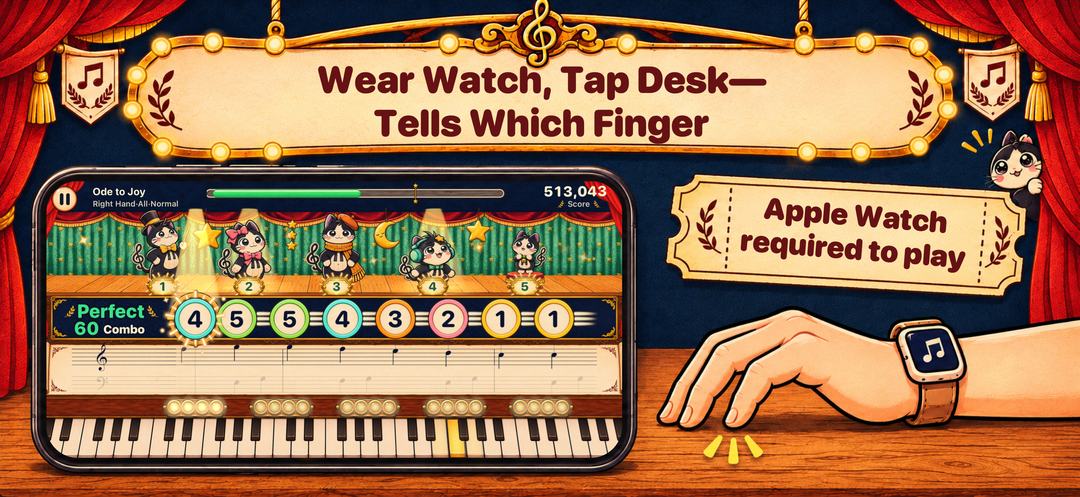
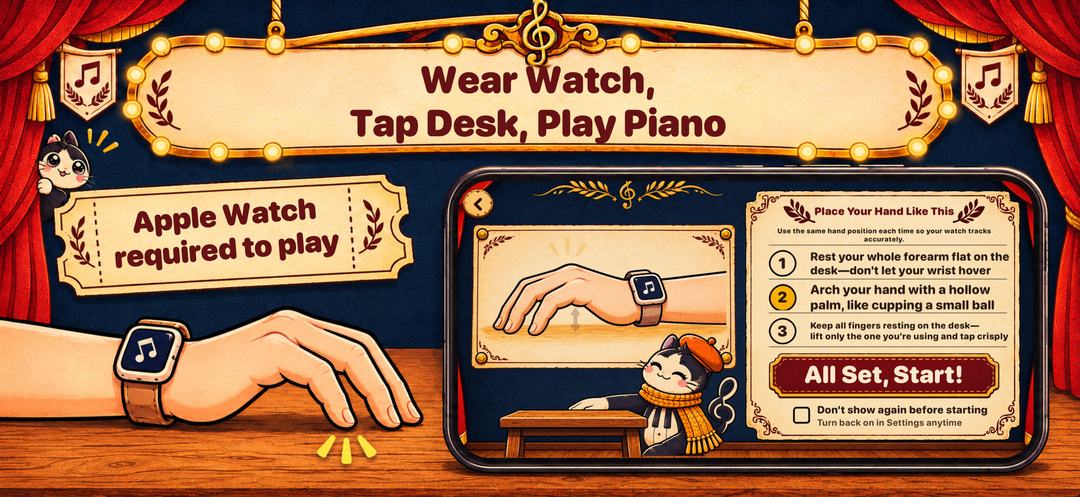
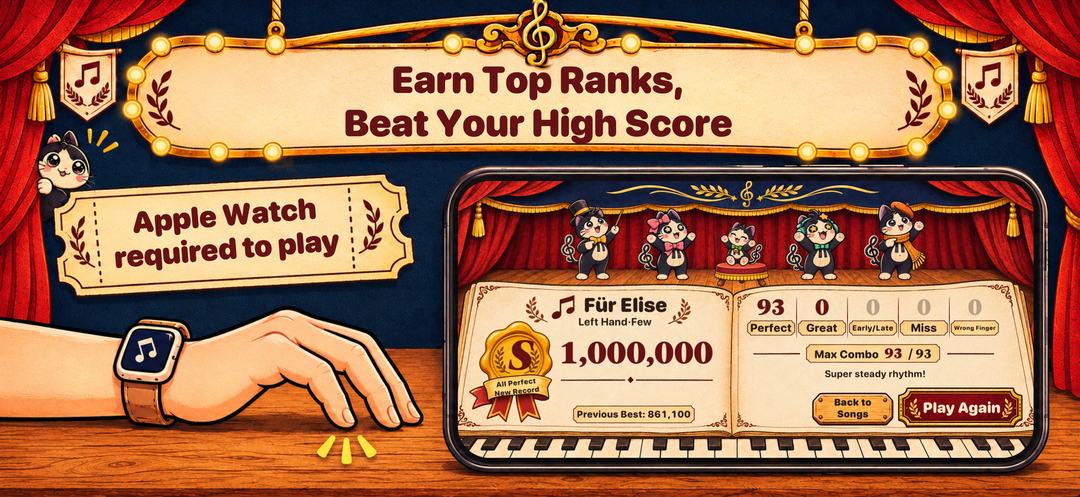
Place your iPhone horizontally in front of you to follow the musical staff, where numbered discs flow in from the right to show which finger to use (1 to 5). Rest the hand wearing your Apple Watch on the desk, and when a disc enters the target ring, lift the matching finger and tap the desk. Your watch senses when you tap and which finger you use, and your phone checks your timing and whether you used the right finger.
25 seconds of Can-Can, no voiceover—see desk tapping, combos, and five key features.
What Makes It Fun
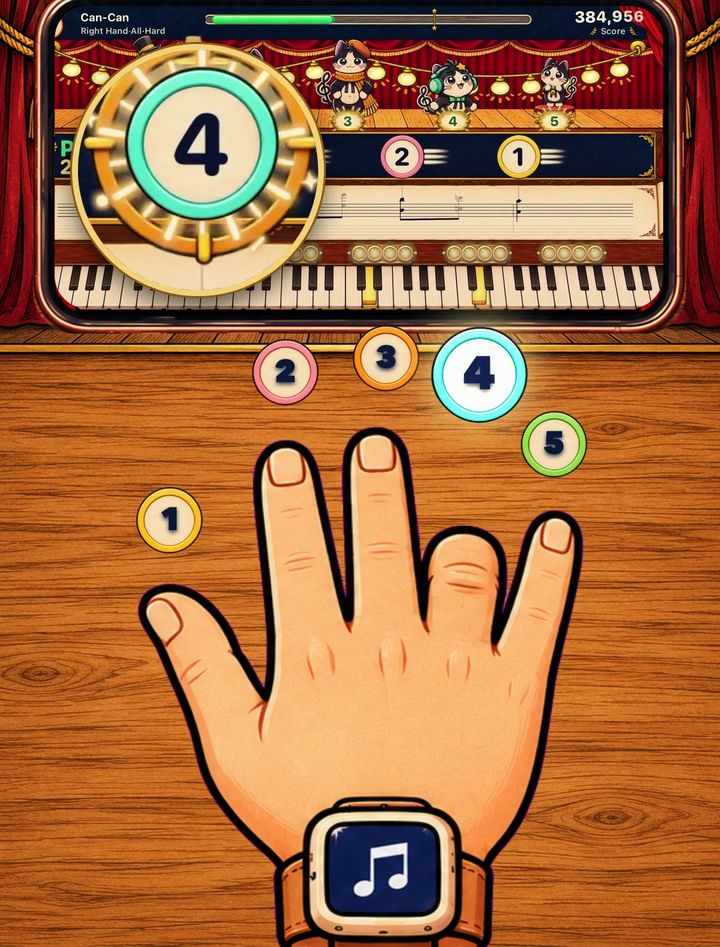
Match numbers to fingers
Don't think you can skate by with just any tap—Apple Watch can tell whether you used your thumb, index, middle, ring, or pinky. Use the wrong finger and the screen calls you out right away, a trick no other watch piano app has.
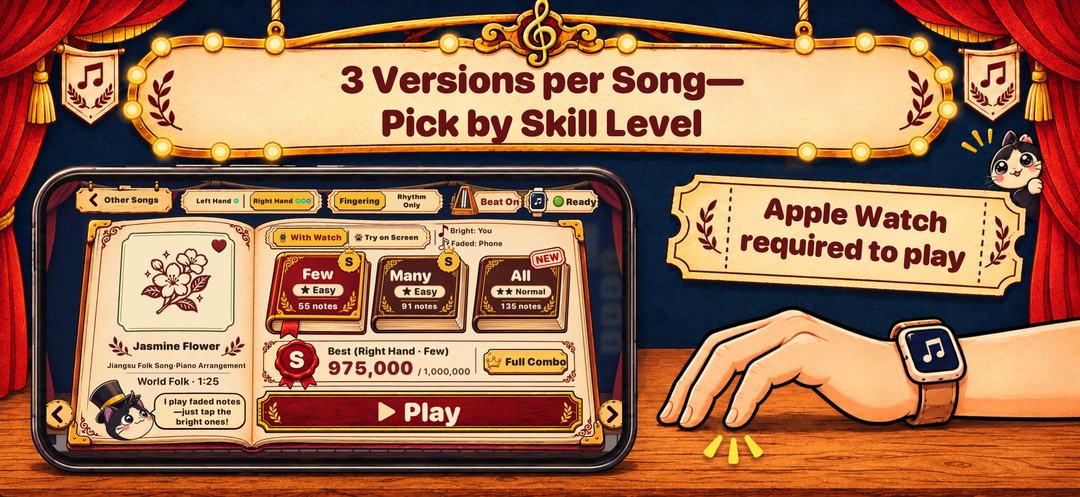
The numbers 1 to 5 on screen aren't made up: which finger you use for each note comes straight from real piano sheet music fingering. Every song has Few, Many, and All note tiers—the only difference is how many notes you play, while your phone plays the other notes for you so you hear the full song at the original tempo from start to finish.
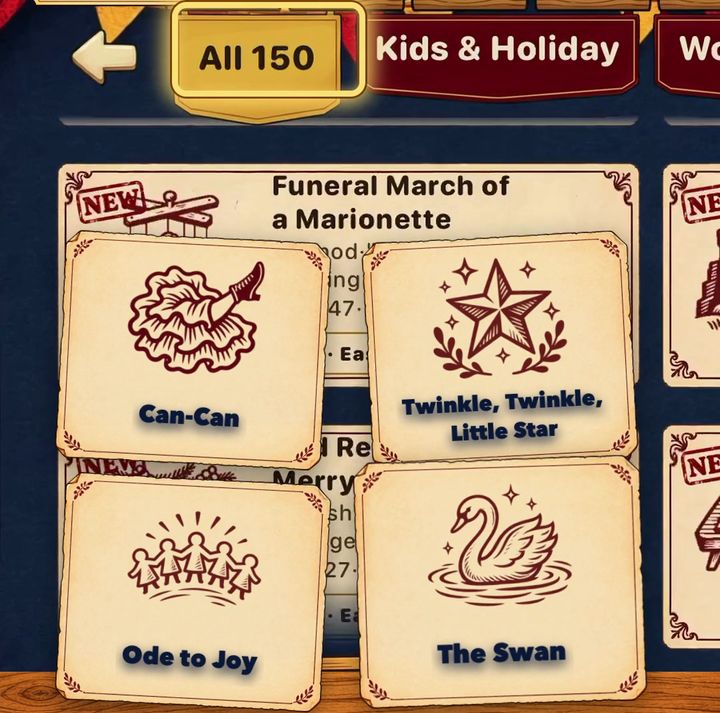
150 songs to master
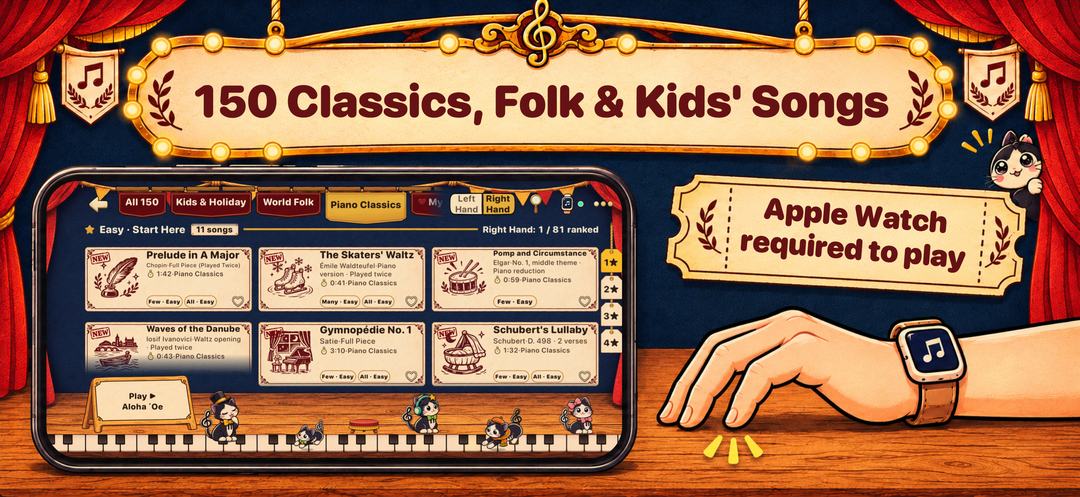
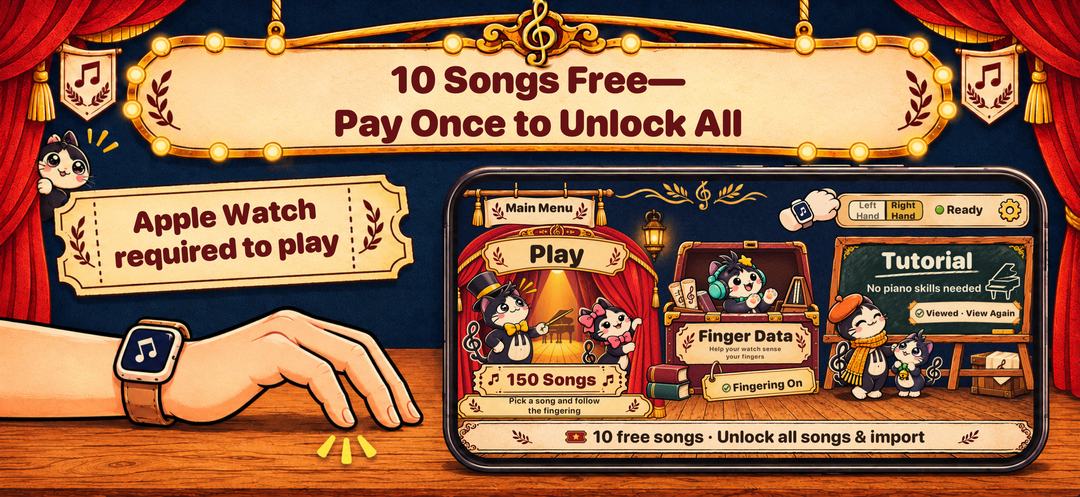
Includes 150 built-in songs: 31 kids' and holiday tunes, 38 world folk songs, and 81 piano classics. Play 10 for free, and buy the Full Version to unlock the rest.
Free to download, with 10 songs free to play. The Full Version is a one-time purchase, not a subscription—it unlocks all built-in songs, lets you import your own scores, and includes new songs added later.
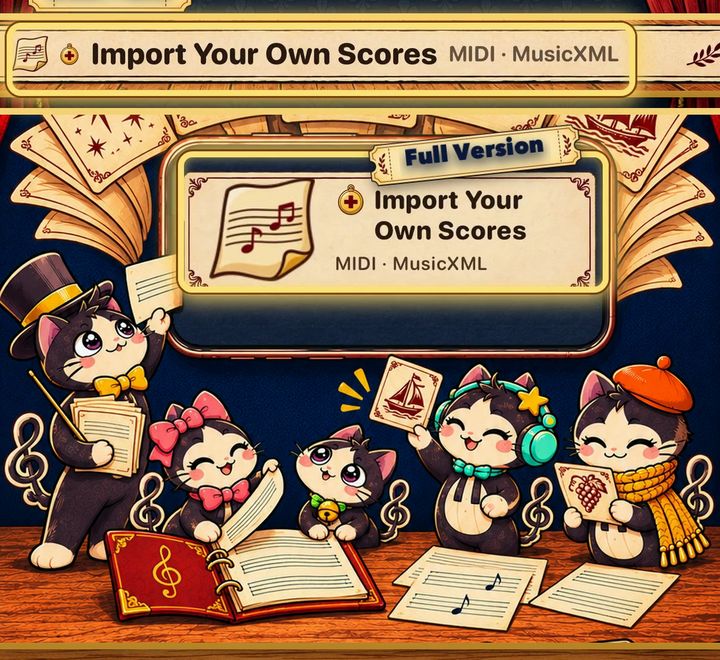
Import your own scores
Once you buy the Full Version, you can import your own MIDI and MusicXML scores and keep them in My Scores to practice.
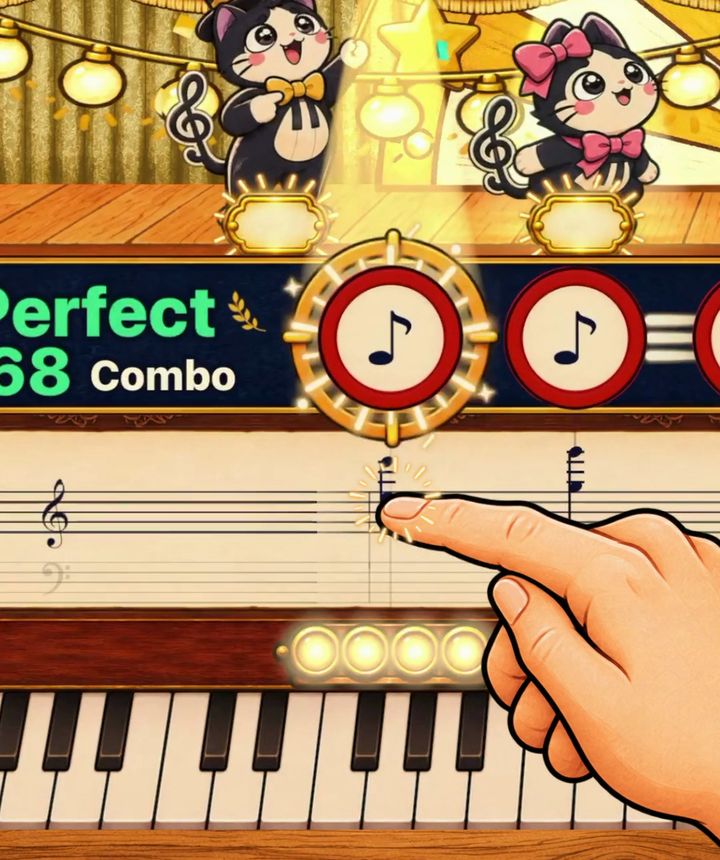
No watch? Tap the screen
Even without an Apple Watch, you can use Try on Screen to tap your phone screen instead of the desk. Tapping the screen checks rhythm only, not fingering.
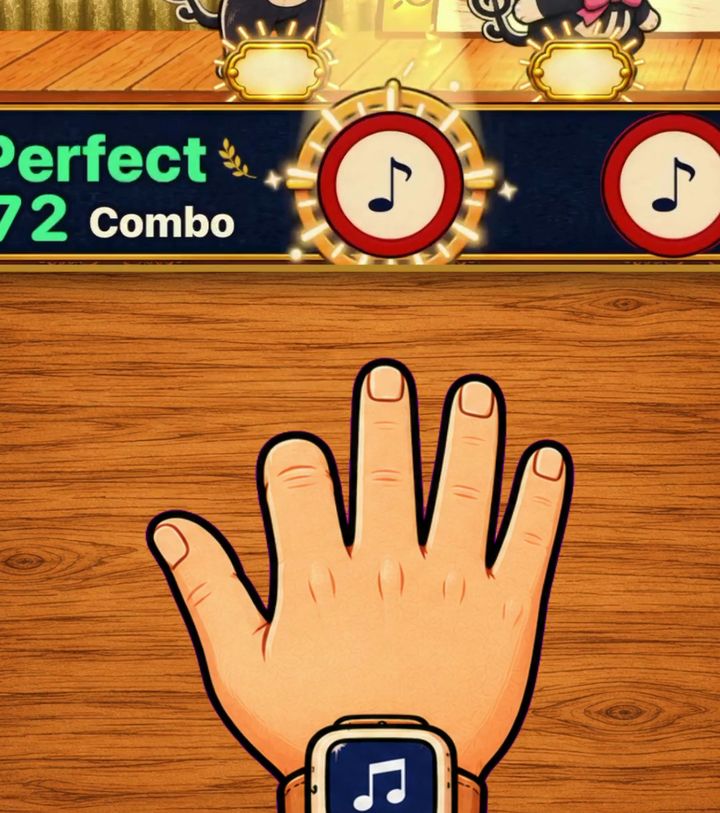
Any finger. Just tap.
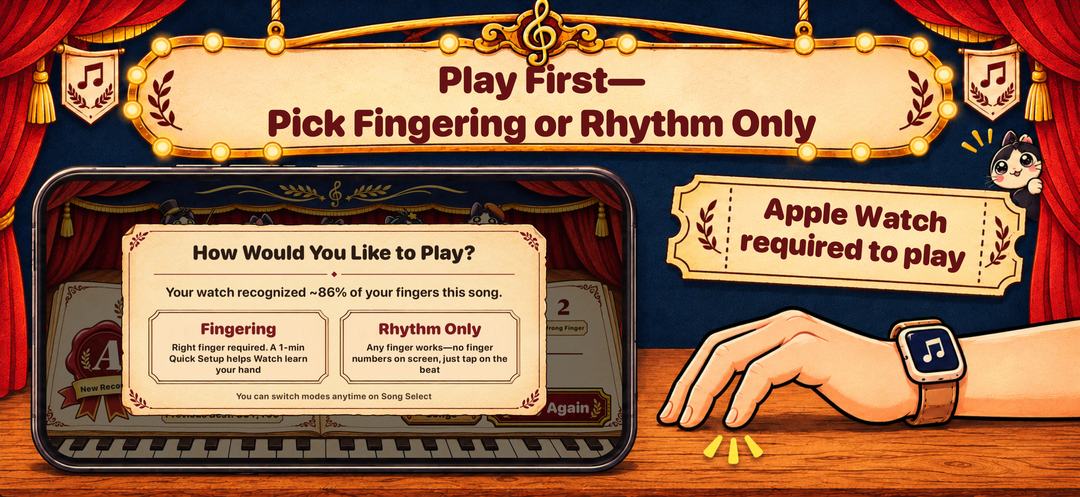
Wear your Apple Watch and tap the desk with any finger—just stay on the beat. Pick Fingering or Rhythm Only on the results screen after your first song, and you can switch later.
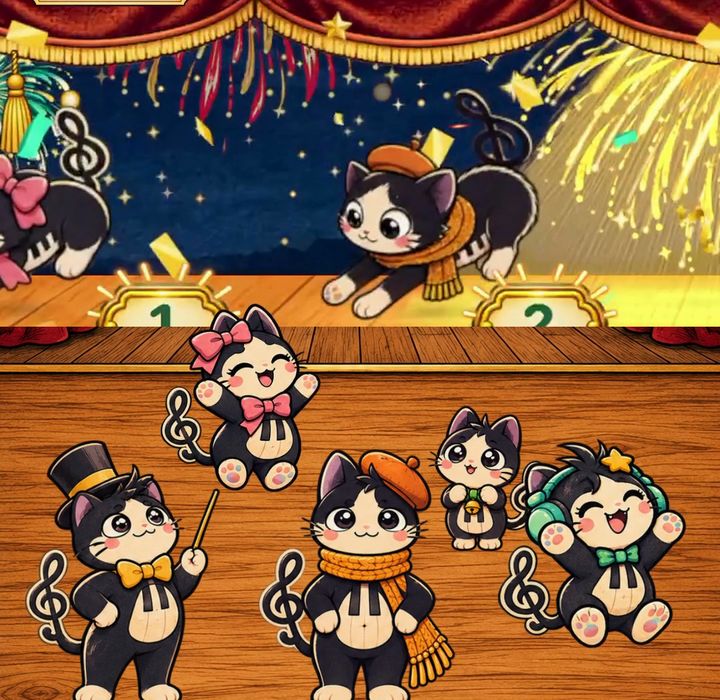
5 piano cats go wild
Who says practicing piano has to mean staring at sheet music alone? In the background is the Cheer Squad, a crew of cats with piano-key patterns cheering you on—and the longer your streak, the livelier they get.
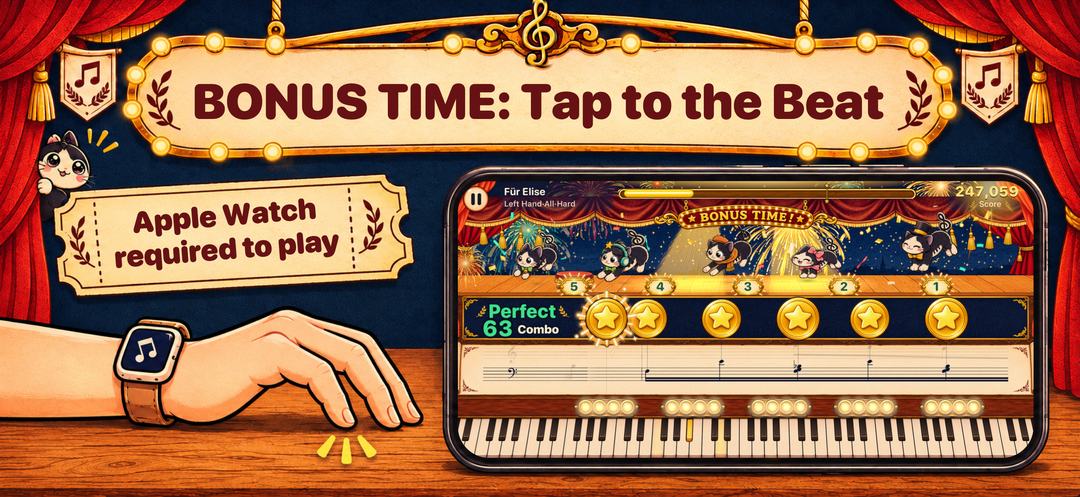
Charge into the densest, liveliest part of a song and it's BONUS TIME, where you only have to watch the rhythm and tap along rapidly. Fire off a satisfying flurry of finger taps on the desk and blast right through the most exciting section in one go.






Screenshots
How to Play
Install Desk Piano on your iPhone and put on your paired Apple Watch—the watch app will install automatically.
No setup needed—just pick a piece and start playing. Your first piece is a trial run; once you finish, choose Fingering (starting with Quick Setup, about 1 minute) or Rhythm Only.
Pick a piece, choose left or right hand and a tier (Few, Many, or All), then tap the desk following the numbers on the discs.
Check your results when you're done and try again—if you don't have an Apple Watch, you can also use Try on Screen.
What You Need
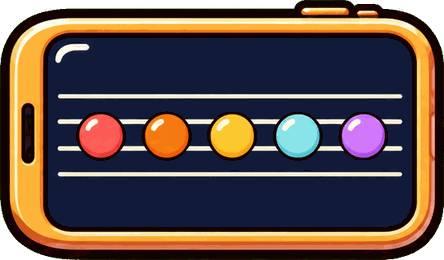
iPhone (iOS 17 or later). The game plays in landscape mode and doesn't support iPad.
Apple Watch (watchOS 10 or later), paired with that iPhone.
A desk or table (a hard, flat surface).
No setup needed to start—put on your watch and play right away. When you want Fingering, just run Quick Setup (about 1 minute; you'll be asked after your first piece).
How well your watch tells your fingers apart depends on how snug the band is and whether your forearm rests flat on the desk, and it can't get every tap right. If finger detection feels off, tighten the band, rest your forearm flat on the desk, and run Finger Data Calibration again.
Features
- Every piece has three tiers—Few, Many, and All—so you can choose how many notes to play. All three play the full piece at original tempo, and your phone plays the remaining notes for you.
- Each tier of every piece is labeled with one of four difficulty levels: Easy, Normal, Hard, or Extreme.
- Practice left and right hands separately. You play the part for whichever hand is wearing your watch.
- Supports 15 languages, which you can choose in the app's Settings.
- No ads, no account needed, no data collected. The Full Version is a one-time purchase, not a subscription.